
Dynamics NAV to Business Central online
Customisations assessed, replaced by standard features or rebuilt as AL extensions, data migrated with the cloud migration tooling or scripted loads, and users trained on the modern client.
Services
Projects with a defined scope, named milestones, acceptance criteria and a realistic cutover plan. Whether you are moving from Dynamics NAV to Business Central, from on-premises to the cloud, or from spreadsheets to a first ERP, the method is the same: understand the processes, fit the standard, migrate clean data, test properly, support the go-live.
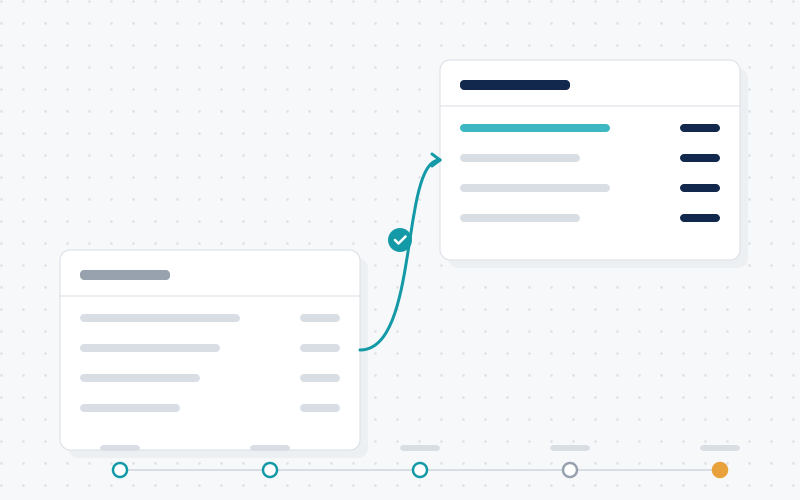
The problem we solve
Many organisations are running versions of Dynamics NAV or Business Central that are years out of support, on servers that are due for retirement, with customisations nobody fully understands. Everyone agrees the system should be upgraded; nobody wants to repeat the disruption of the original implementation.
The way to de-risk a migration or implementation is not a bigger project team but a better-scoped one: a thorough assessment up front, a fit-gap that favours standard features, data cleansed before it is migrated, test cycles planned with the business, and a cutover rehearsed before the real weekend.
Our implementation and migration projects follow a structured path from assessment to post-go-live support. The Netherlands-facing project lead owns scope, governance, planning and client communication; certified consultants at the Ibadan hub perform configuration, development, data migration scripting and testing under supervision. You get one plan, one status report and one accountable lead.
We favour standard functionality and documented extensions over bespoke code, so that the system you go live with is one that can be updated routinely afterwards. Every project ends with a defined hypercare period and a handover into managed support if you want it.
Customisations assessed, replaced by standard features or rebuilt as AL extensions, data migrated with the cloud migration tooling or scripted loads, and users trained on the modern client.
Infrastructure dependencies, integrations and printing reviewed; a staged migration with rehearsal cutover and a documented rollback point.
Processes from quote to cash and purchase to pay mapped, Business Central configured to the standard with a minimal set of extensions, and item and customer data cleansed before load.
A new company set up with localisation, intercompany and consolidation configured, and reporting extended to include it.
Version upgrade or move to HANA planned with add-on compatibility checks, test cycles and a cutover window agreed with operations.
Current system, customisations, integrations, data and processes reviewed; options and a recommended path documented.
Scope, milestones, acceptance criteria, team, governance and commercial terms agreed in writing before build starts.
Fit-gap, configuration, extensions, integrations and migration scripts delivered in planned iterations with reviews.
System test, user acceptance test and at least one cutover rehearsal with reconciled trial data.
Cutover executed to the runbook, hypercare with daily check-ins, then handover to steady-state support.
It depends on the NAV version, the number and depth of customisations, data volume, integrations and how much time your key users can commit. The assessment gives you a planned timeline specific to your situation; we do not quote standard durations because they are rarely accurate.
Some, yes; many are better replaced. Each customisation is classified: covered by standard functionality today, replace with an extension or app, or rebuild as an AL extension. You decide with full visibility of the cost of keeping each one.
With mapping and cleansing rules agreed up front, several trial loads, and reconciliation reports (trial balance, open items, inventory value and quantity, open orders) signed off by your finance and operations leads before the final cutover.
A hypercare period with daily check-ins and prioritised fixes, followed by a handover to managed support or your internal team, including documentation and open-item lists.
Yes. Many projects involve an IT provider for infrastructure or a licensing partner. Responsibilities are written into the project plan so that handoffs are clear.
Share where you are today and where you need to be. We will propose an assessment that results in options, a recommendation and a planned, scoped project.